
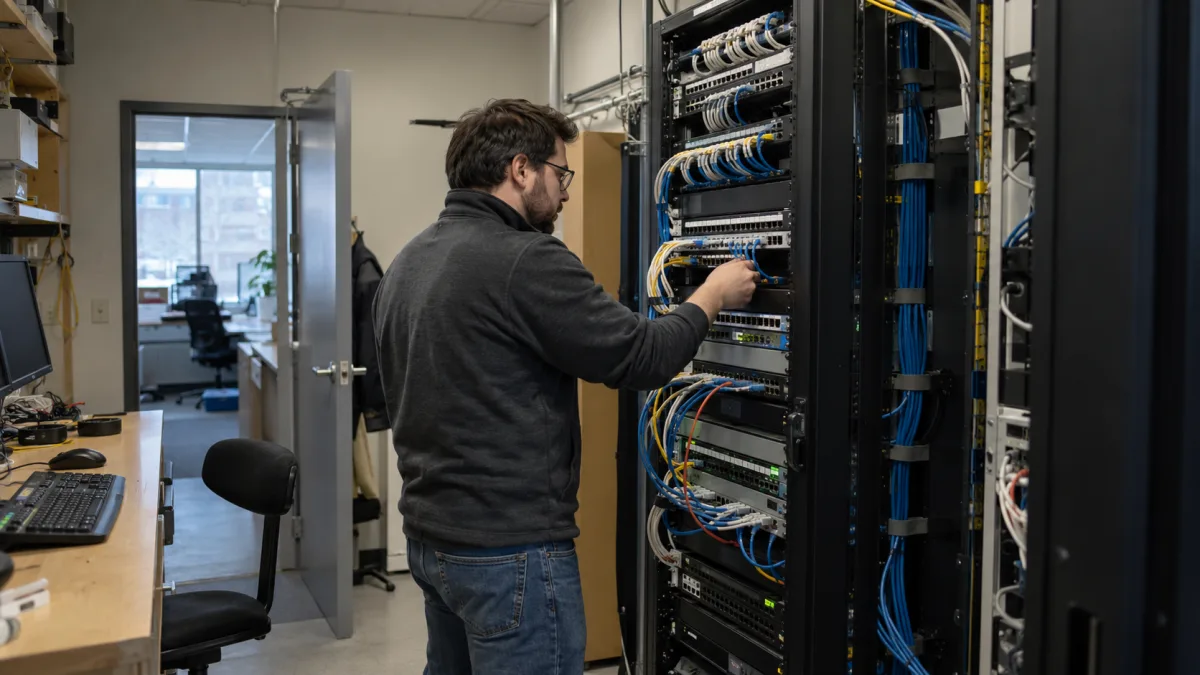
As a business grows, its network usually grows with it. New computers are added, printers are connected, Wi-Fi expands, servers store more information, and devices such as cameras, phones and access systems begin sharing the same infrastructure. What often does not grow at the same pace is the way that network is organized.
When every device can communicate freely with every other device, a problem affecting one part of the network may have a much wider impact. Network segmentation helps reduce that exposure by dividing a business network into smaller, controlled sections. One of the most common ways to do this is through VLANs, or Virtual Local Area Networks.
For Montreal businesses, segmentation can be an important part of building a network that is easier to manage, troubleshoot and secure. It is not limited to large enterprises. Small and mid-sized organizations can also benefit from separating employees, servers, guest Wi-Fi and other connected equipment according to their role.
What this article covers
This article explains what network segmentation and VLANs are, why businesses use them, which devices should commonly be separated, and how segmentation can reduce unnecessary communication between systems.
In this article you will learn
- What network segmentation means.
- What a VLAN is and how it is used.
- The difference between a flat and segmented network.
- Which business devices can be placed on separate network segments.
- How segmentation can limit the impact of security incidents.
- When a Montreal business should consider reviewing its network design.
What is network segmentation?
Network segmentation is the practice of dividing a network into smaller sections so that devices do not automatically have unrestricted access to everything else connected to the organization.
Instead of treating every workstation, server, printer and wireless device as part of one large network, administrators can create different network zones based on their purpose or security requirements.
For example, employee computers may belong to one segment, business servers to another and guest Wi-Fi devices to a completely separate network. Communication between these segments can then be controlled through routers, firewalls and network policies.
The goal is not simply to create more networks. The goal is to decide which devices genuinely need to communicate with each other and restrict connections that are unnecessary.
What is a VLAN?
A VLAN, or Virtual Local Area Network, allows administrators to logically separate devices even when they are connected to the same physical network infrastructure.
For example, computers in accounting and computers in a warehouse might connect through the same managed switch while still belonging to different VLANs. Network rules determine whether those groups can communicate and which resources each group can access.
This makes VLANs particularly useful in business environments where multiple types of systems share the same switches, cabling and internet connection.
Flat network vs. segmented network
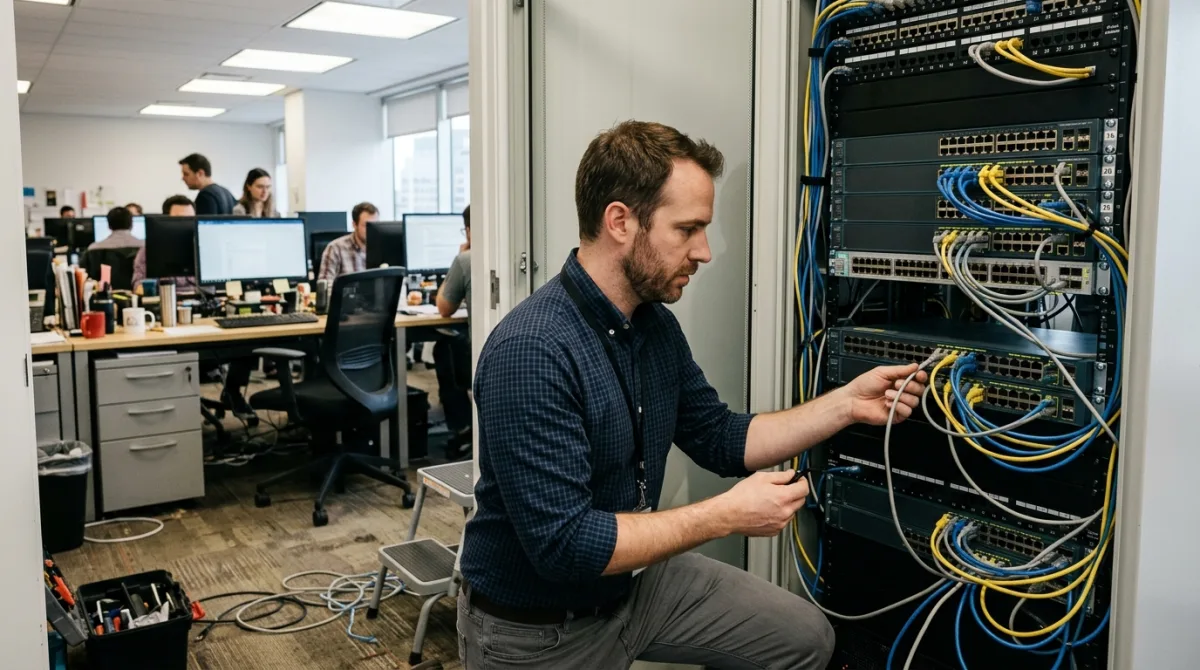
Many small businesses begin with what is commonly called a flat network. This can work when there are only a few devices, but it can become increasingly difficult to control as the organization adds users, servers and connected equipment.
| Area | Flat network | Segmented network |
|---|---|---|
| Device organization | Most devices share the same network. | Devices are grouped according to purpose or security requirements. |
| Access control | Devices may have broader visibility of other systems. | Communication between segments can be restricted. |
| Guest Wi-Fi | May share infrastructure with internal devices if improperly configured. | Can be isolated from internal business systems. |
| Security incidents | A compromised device may have access to more network resources. | Segmentation can help limit unnecessary movement between network areas. |
| Troubleshooting | Problems can be harder to isolate as the network grows. | Smaller network zones can make diagnosis more manageable. |
| Policy management | Rules are often applied broadly. | Different policies can be applied to different groups of devices. |
What should businesses separate on their network?
There is no single VLAN structure that works for every organization. The correct design depends on the number of employees, applications, servers, locations and connected devices involved.
However, there are several categories that businesses commonly evaluate separately.
Employee workstations
Desktop and laptop computers used by employees often form their own network segment. These systems need access to everyday business resources but usually do not require unrestricted access to every device on the network.
Servers and critical systems
Servers may contain shared files, applications, databases, authentication services or other important business information. Keeping these systems in a controlled network segment makes it easier to define exactly which users and devices are allowed to reach them.
Guest Wi-Fi
Visitors generally need internet access, not access to internal servers, printers or employee computers. A properly isolated guest network helps keep temporary and unmanaged devices separated from business systems.
Printers and connected devices
Printers, cameras, VoIP phones, smart TVs, access-control systems and other connected equipment may not require the same level of access as an employee workstation. Grouping these devices separately can reduce unnecessary communication with critical resources.
Administrative devices
In some environments, systems used by IT administrators or management may also require stricter access policies because of the privileges associated with those accounts and devices.
How network segmentation can reduce security risk
Segmentation does not prevent every cyberattack, nor should it replace endpoint protection, patching, backups, strong authentication or firewall security. Instead, it works as another layer of protection.
Consider a workstation that becomes compromised. On a poorly controlled flat network, that system may be able to discover or communicate with many other devices. In a segmented environment, network rules can restrict which systems that workstation is allowed to reach.
This principle is particularly important when businesses operate servers, backup systems or other infrastructure that should not be directly accessible from every device.
Segmentation can therefore help reduce opportunities for lateral movement, where an attacker attempts to move from one compromised system to other resources within the organization.
For Quebec businesses, this also ties into Law 25 obligations. Keeping client personal information in a controlled segment, rather than leaving it reachable from across the network, helps demonstrate the reasonable security measures required to protect that data. Segmentation then becomes not just sound technical practice but concrete support for compliance. To learn more, read our article on Law 25 in Quebec.

Network segmentation is also about management
Security is one of the main reasons businesses implement VLANs, but it is not the only one.
A well-structured network can also make infrastructure easier to understand and maintain. When devices are logically grouped, IT teams can more easily identify where an issue is occurring, apply policies to specific types of equipment and document how different parts of the network are intended to communicate.
For growing businesses, this becomes increasingly valuable. A network originally designed for five employees may behave very differently after expanding to 20, 50 or more users, particularly when servers, wireless access points, cameras, remote workers and cloud-connected systems are added over time.
Do small businesses need VLANs?
Not every small business needs a complex VLAN architecture. However, company size alone should not determine whether segmentation is useful.
A business with ten employees might operate a file server, accounting software, security cameras, VoIP phones, guest Wi-Fi and several wireless devices. Even though the company is small, its network may contain systems with very different security requirements.
A simpler segmentation strategy might be enough: for example, one network for employee devices, another for servers and infrastructure, another for connected equipment, and a separate guest network.
The appropriate design should reflect how the business actually uses its technology rather than adding unnecessary complexity.
When should a business review its network segmentation?
There are several situations where reviewing network design becomes particularly useful:
- The company has grown significantly since the network was first installed.
- New servers or business applications have been introduced.
- Guest Wi-Fi shares the same environment as internal systems.
- Cameras, phones or other connected devices have been added over time.
- Employees frequently work remotely or connect through VPNs.
- The organization is replacing switches, routers or firewalls.
- A security assessment has identified excessive access between devices.
- No one has clear documentation of the current network structure.
What we see in real business networks
At Computer Repair MTL, one of the recurring challenges we see when reviewing business networks is that infrastructure has often evolved gradually. A company may begin with a router and a few computers, then add Wi-Fi access points, printers, servers, cameras and other devices over several years.
Each addition may work correctly on its own, but the network as a whole is not always redesigned as those requirements change. Reviewing the architecture makes it possible to identify which devices need to communicate, which should remain isolated and whether the existing switches, firewall rules and wireless configuration still reflect the way the business operates today.
Our network administration services in Montreal include network design, managed switch and VLAN configuration, firewall policies, wireless infrastructure and ongoing network support for business environments.
Frequently asked questions about network segmentation
The main purpose is to divide a network into controlled sections so that devices only communicate with the systems they need. This can improve security, organization and network management.
A VLAN is one technology commonly used to implement network segmentation. Segmentation is the broader concept of separating network resources, while VLANs provide a practical way to create logical network groups.
VLANs cannot stop ransomware by themselves, but properly configured segmentation can restrict communication between devices and help limit the ability of a compromised system to reach other parts of the network.
In most business environments, guest devices should be isolated from internal company resources. A separate VLAN or guest network is a common way to provide internet access without exposing internal systems.
No. VLAN design should reflect the organization's devices, applications, users and security requirements. A small office may need only a few segments, while a larger environment may require a more detailed architecture.
Build a network around how your business actually works
Network segmentation is most effective when it reflects the real structure of the organization. VLANs should not be created simply to make a network appear more sophisticated. Each segment should have a clear purpose, appropriate access rules and documentation that allows the network to remain manageable as the business changes.
If your Montreal business has added employees, servers, Wi-Fi devices or connected equipment without reviewing the underlying network design, it may be worth assessing how those systems currently communicate.
Computer Repair MTL provides business network administration in Montreal, including network planning, VLAN configuration, switch and router configuration, firewall policies, wireless networking and infrastructure reviews.