
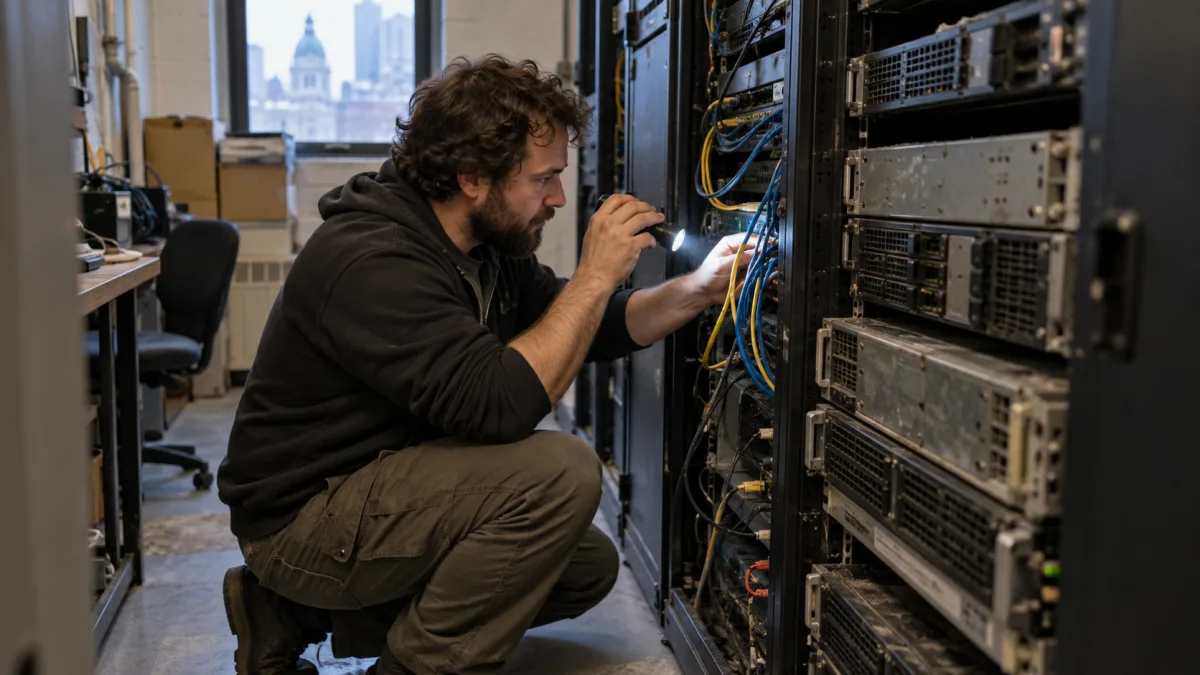
Your server still boots every morning. The lights come on, files open, email flows. But if that server runs Windows Server 2012 R2 or 2016, it is living on borrowed time, and the deadline is closer than most business owners realize. Windows Server 2012 and 2012 R2 lose their final Extended Security Updates on October 13, 2026, and Windows Server 2016 reaches the end of extended support on January 12, 2027. After those dates, Microsoft stops shipping security patches, and every new vulnerability discovered stays open on your network for good.
What this article covers
This guide is written for business owners and managers in Montreal who need to make a decision this year, not for IT specialists. It explains what actually changes when support ends, why an unsupported server is a real business risk and not just a technical detail, the three realistic paths forward, and how to plan the move without a last-minute scramble.
In this article you will learn
- The exact end-of-support dates for Windows Server 2012 R2 and 2016, and what they mean.
- The security, compliance, and operational risks of running an unsupported server.
- Your three real options: upgrade in place, migrate to the cloud, or buy Extended Security Updates as a temporary bridge.
- How to estimate cost and downtime, and why planning early saves money.
- The first practical steps to take before the deadline.
What "end of support" actually means
When a Windows Server version reaches end of support, the machine does not shut off. It keeps running exactly as before. What stops is everything that keeps it safe and reliable: Microsoft no longer releases security updates, bug fixes, or technical support for that version. From that day on, any newly discovered flaw remains unpatched forever.
There is a second, quieter consequence that catches many businesses off guard. Software vendors gradually drop unsupported operating systems from their compatibility lists. At some point your accounting software, your ERP, or your line-of-business application may refuse to run, or the vendor may decline to support you until you move. When that happens, the upgrade stops being a security decision you control and becomes an operational emergency on someone else's timeline.

The deadlines that matter
There is some confusion about the dates, so here they are clearly. Two versions are on the immediate horizon.
| Version | End of support date | What happens after | Main options |
|---|---|---|---|
| Windows Server 2012 / 2012 R2 | October 13, 2026 (final ESU) | No security updates through any channel | Migrate now; ESU no longer available after this date |
| Windows Server 2016 | January 12, 2027 | Extended support ends, no free patches | Upgrade, migrate to cloud, or bridge with paid ESU |
| Windows Server 2019 | January 9, 2029 | Still supported | Plan ahead, no urgent action |
| Windows Server 2022 / 2025 | 2031 and beyond | Fully supported | Recommended migration targets |
Why an unsupported server is a business risk
It is tempting to keep a working server running until it fails. In practice, the risks build up quietly.
Security exposure
Attackers actively scan for unpatched servers because they are easy targets. Ransomware in particular thrives on outdated systems, and a server holding your files, email, or domain controller is exactly what an attacker wants to reach. An unsupported server is an open door that never gets locked again.
Compliance pressure
In Quebec, Law 25 requires businesses to protect the personal information they hold with reasonable security measures. Running critical systems on software that no longer receives security updates is increasingly hard to defend as reasonable. For businesses handling client data, an unsupported server is not just a technical gap, it is a compliance liability.
Operational fragility
Aging servers fail. When they do, and the operating system is no longer supported, recovery is slower, replacement parts are harder to find, and there is no vendor to call. A planned migration is a controlled project. An emergency after a crash is expensive downtime.
Your three real options
1. Upgrade the server in place
You move to a modern, supported version such as Windows Server 2022 or 2025, either on your existing hardware if it is capable, or on new hardware. This keeps your systems on premises, which suits businesses with applications that need to stay local or hardware that must stay in the building. It gives you the longest runway before the next end-of-support cycle.
2. Migrate to the cloud
You move the server's workload to a cloud platform such as Microsoft Azure, or replace its role entirely with a cloud service. This removes future hardware and operating system cycles, improves remote access and resilience, and turns a large one-time purchase into a predictable monthly cost. For businesses subject to data residency expectations, it is worth confirming that data stays hosted on Canadian soil.
3. Buy Extended Security Updates as a bridge
Microsoft sells Extended Security Updates that keep critical patches flowing for a limited time after end of support. This is a legitimate choice only as a temporary bridge, when a real migration is funded and scheduled but cannot finish before the deadline. The cost rises each year by design, so ESU is a way to buy time, not a long-term plan. Note that for Server 2012 and 2012 R2, ESU ends entirely on October 13, 2026, so it is no longer an option for those versions after that date.
How to plan the move without a scramble
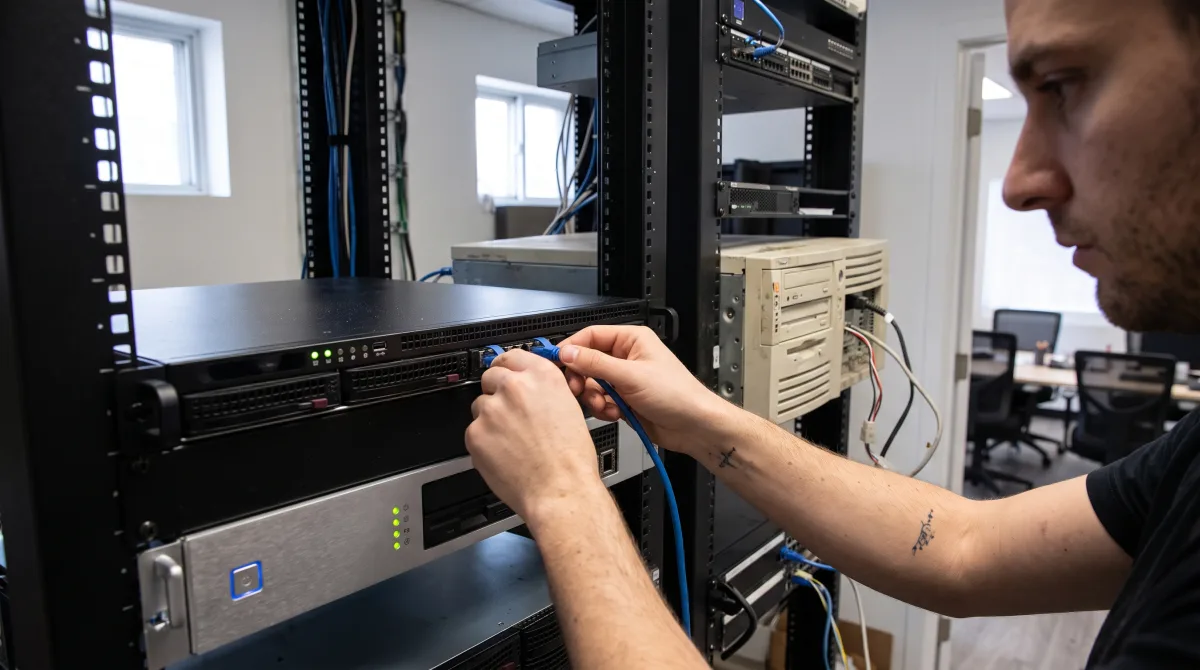
The single biggest mistake is waiting until the deadline. A rushed migration leads to rushed decisions, surprise costs, and avoidable downtime. Starting now gives you room to do it properly.
A sound plan begins with a clear inventory: which servers you have, which versions they run, and what each one actually does. From there you identify which applications are business-critical, what data must move, and whether your line-of-business software is compatible with the target version. That assessment tells you which of the three options fits each server, and lets you bring a realistic budget to an owner or a board once, instead of debating it three times. A typical migration for a small business takes a few weeks, longer for complex environments, which is exactly why the runway matters.
How Computer Repair MTL approaches this
We regularly work with Montreal businesses still running servers that quietly aged past their support window. In our experience, the problem is almost never that the owner ignored it on purpose. The server worked, so it stayed, and the deadline arrived without warning. When we assess these environments, we start by documenting exactly what each server does before recommending anything, because the right answer for a domain controller is rarely the right answer for a file server or an application host. That assessment is what turns a stressful deadline into a phased, budgeted plan the business can actually approve.
If you are unsure which version your server runs or what your options are, our server upgrade and server administration services can help you assess your environment and plan a migration that fits your budget and timeline.
Frequently asked questions
Yes, as of today it is still within extended support and receiving security updates. That changes on January 12, 2027, when support ends. The point of acting now is to plan the migration on your own timeline rather than under pressure once patches stop.
In supported scenarios, yes. The right path depends on what the server does and whether your applications are compatible with the newer version. An assessment before buying licenses or scheduling the cutover avoids costly surprises.
For Windows Server 2016, Extended Security Updates can serve as a temporary bridge while a funded migration is underway. For Server 2012 and 2012 R2, that option ends on October 13, 2026, so those versions must be migrated. If a server genuinely cannot move, strict network isolation with controlled access is a stopgap, not a solution.
Both are valid. Upgrading in place suits businesses with applications or hardware that must stay local. The cloud suits those wanting flexibility, remote access, and predictable monthly costs. The wrong move is choosing without comparing them for your specific situation.
Not sure whether your server is on the list, or what the move would cost? Contact Computer Repair MTL for a straightforward assessment of your environment and a migration plan that fits your business.