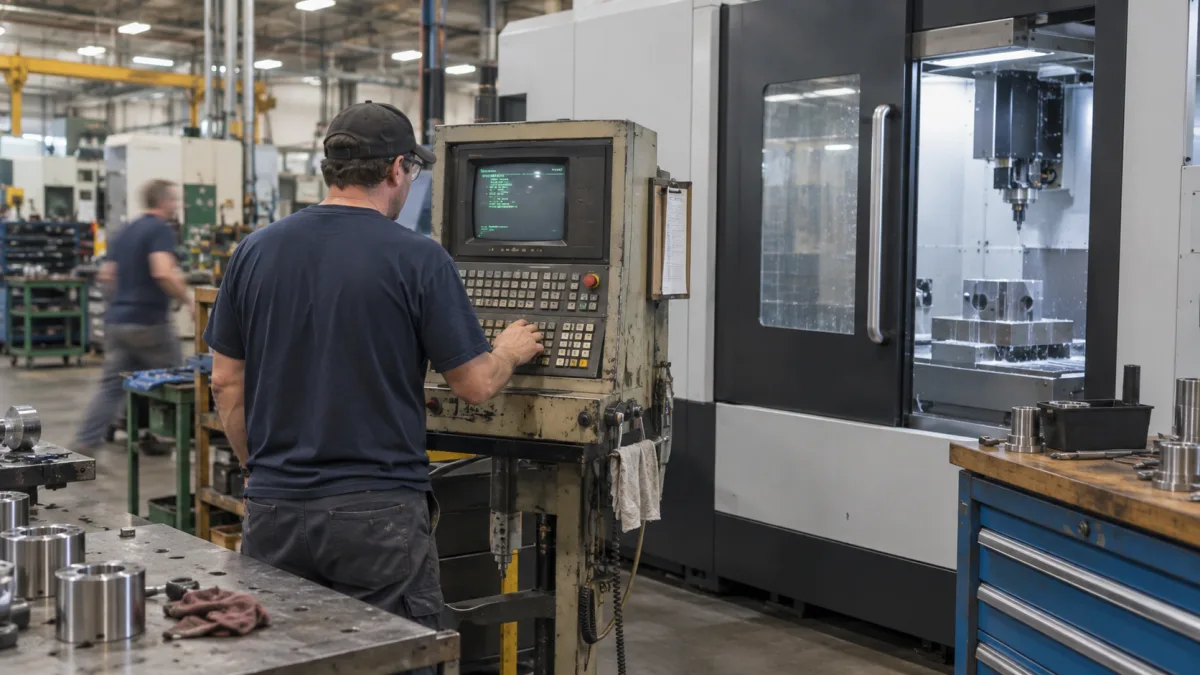
On many factory floors, a machine worth well over a million dollars is controlled by a small computer running software that is twenty years old. It may run Windows 2000, Windows XP or an equally old system, quietly doing its job for decades. Nobody thinks about it, until the day it fails to start. When that happens, the problem is rarely the expensive machine itself. It is the forgotten computer bolted to its side, and the aging hard drive inside it that no one ever backed up.
What this article covers
This article explains why the old computers that control industrial machinery are a serious and often overlooked risk, and why cloning and backing up these legacy systems is one of the most cost-effective protections a business can put in place. It reflects the practical experience of Computer Repair MTL recovering and protecting legacy systems that keep critical equipment running.
In this article you will learn:
- Why old industrial PCs are a hidden point of failure for expensive equipment.
- Why a failed legacy system is so hard to recover once it is already broken.
- Why cloning the drives first is the safest way to attempt any repair.
- How the cost of prevention compares to the cost of a failure.
- What a business can do now to protect its legacy systems before they fail.
The hidden risk of legacy industrial systems
Industrial machines are built to last decades, but the computers that control them are not. The result is a common and dangerous mismatch: a modern, valuable machine depending on a fragile, obsolete computer. The software cannot be easily reinstalled, the hardware is no longer manufactured, and the people who originally configured it are often long gone. That single old computer becomes a point of failure for the entire operation.
The danger is that this risk stays invisible until the moment it becomes a crisis. As long as the system boots every morning, nobody questions it. But an old hard drive is a mechanical part with a limited lifespan, and when it finally fails, or when someone tries to fix a minor problem and makes it worse, the business can suddenly lose control of equipment worth far more than the computer ever cost.
Why recovery is so difficult after a failure
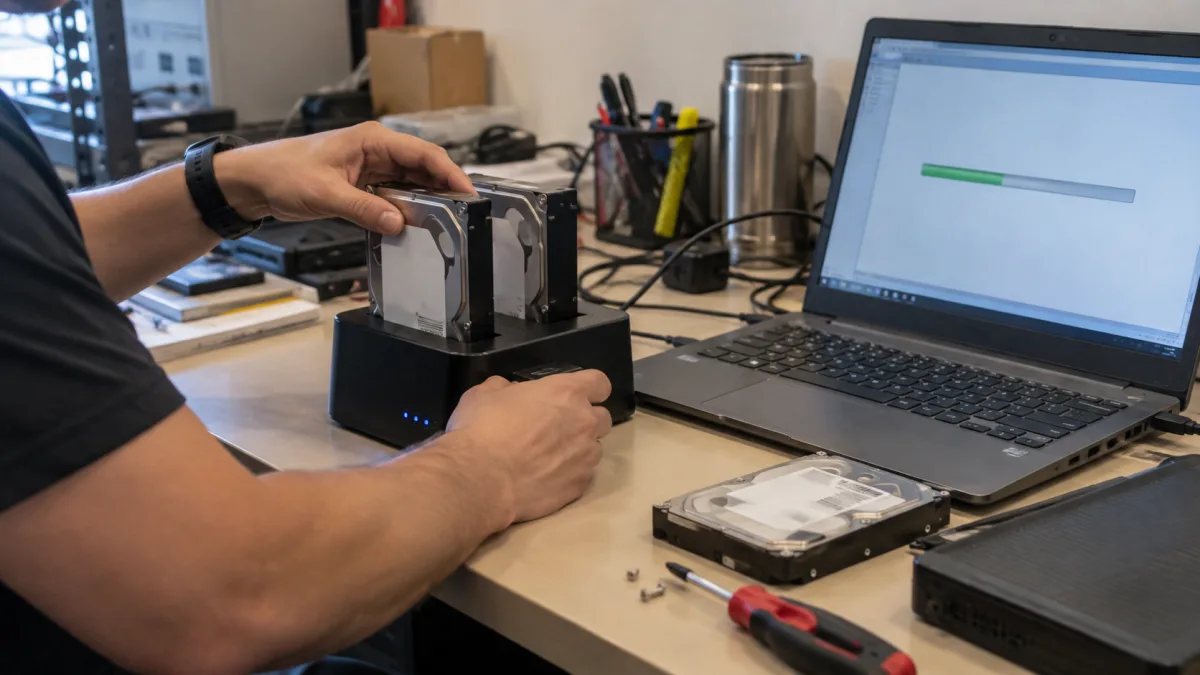
When a legacy system fails, the instinct is often to fix it directly, and that instinct frequently makes things worse. Reinstalling the operating system, running a repair disc, or overwriting files can destroy the very data needed to bring the machine back. On a twenty-year-old drive that may already have failing sectors, every additional operation is a risk.
The correct approach is the opposite of rushing. Before touching anything, the original drives should be cloned, so the originals can be set aside and preserved untouched. All recovery work then happens on the clones, never on the originals. If a drive has damaged sectors, specialized tools can often read around them and rescue the information that a normal copy would fail to retrieve. This careful, methodical process is what separates a successful recovery from a permanent loss, but it depends entirely on having preserved the original data first.
The cost of prevention versus the cost of failure
The economics here are striking. The table below compares what it costs to protect a legacy system in advance against what a failure can cost once it happens.
| Scenario | Typical cost | Outcome |
|---|---|---|
| Preventive backup and cloning | Modest, one-time and periodic | A ready copy means fast recovery with minimal downtime. |
| Emergency data recovery | Significantly higher, under pressure | Recovery may be possible, but with days of downtime and no guarantee. |
| Manufacturer intervention | Very high, if still offered | Some vendors no longer support old software and push a full replacement. |
| Full equipment replacement | The price of the machine itself | A forced, unplanned capital expense that could have been deferred for years. |
Seen this way, protecting a legacy system is not really an IT expense; it is insurance on the far more expensive machine it controls. Keeping that infrastructure documented and monitored is part of ongoing server administration, and reliable copies stored safely depend on a proper backup strategy rather than an occasional manual copy.
What your business can do now
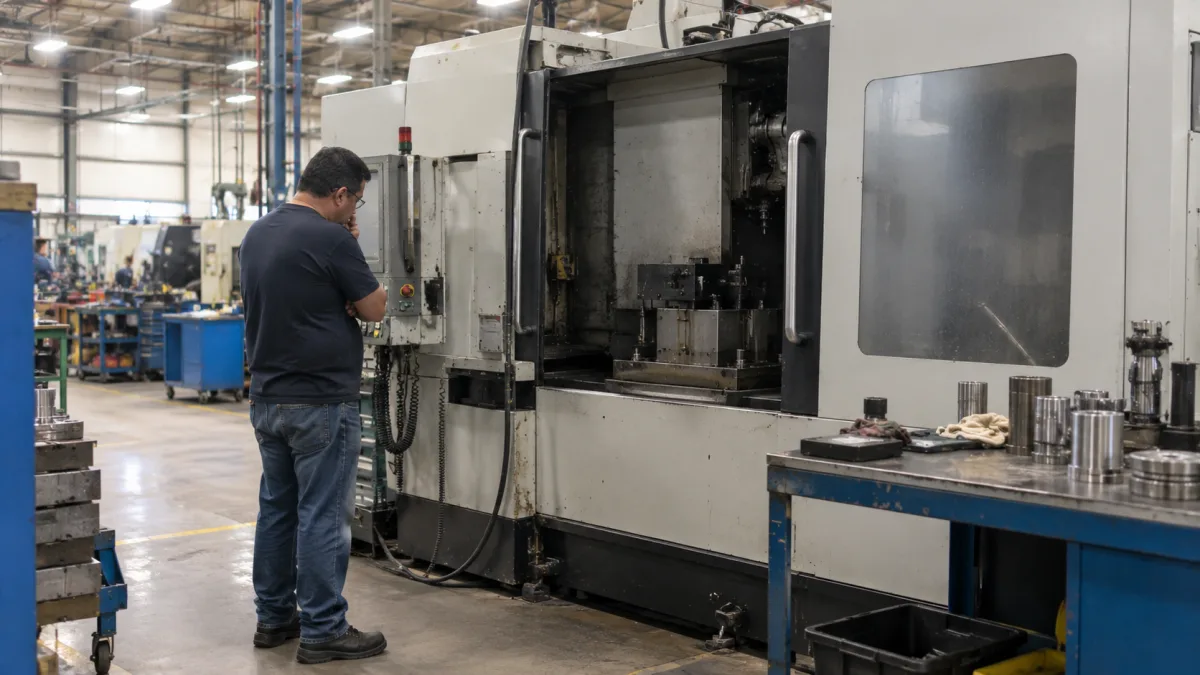
The good news is that protecting a legacy system is straightforward and inexpensive compared to the risk. A business does not need to modernize the whole machine to be safe; it needs a reliable copy of the system that runs it.
- Identify your legacy systems. Locate every old computer that controls critical equipment, even the ones nobody thinks about.
- Clone the drives while they still work. A full clone made today captures a working system you can restore later, sectors and all.
- Store the copies safely. Keep at least one copy offline and offsite, so it survives whatever happens on the factory floor.
- Document the setup. Record how the system is configured while the knowledge still exists, not after the person who knew it has left.
- Test that the copy actually works. A clone you have never verified is a promise, not a guarantee.
Setting this up correctly, and keeping it current, is exactly the kind of work ongoing technical support for businesses provides, so a critical machine is never one hard drive away from an expensive shutdown. Where modernization eventually makes sense, a planned server upgrade or migration can be done calmly and on your schedule, rather than in the middle of an emergency.
Protect the computer before it takes the machine down
The most expensive failures are often caused by the cheapest, most ignored components. An old computer controlling a valuable machine is a risk that costs very little to eliminate and a great deal to ignore. Cloning and backing up legacy systems turns an inevitable eventual failure into a minor, planned event.
At Computer Repair MTL we help Montreal businesses identify, clone, back up and, when the time is right, modernize the legacy systems their operations depend on. If an old computer is quietly running something your business cannot afford to lose, a technical assessment is the place to start.
Frequently asked questions about legacy industrial systems
Because the original software often cannot be reinstalled. It may be unavailable, tied to specific hardware, or configured in ways no one documented. Attempting a reinstall or repair on the original drive can also overwrite data needed for recovery. The safer path is to clone the drives first and work only on the copies.
Often yes. Specialized tools can read around damaged sectors and rescue most or all of the information, even when a normal copy fails. Success is far more likely when the original drive has been preserved and not overwritten by repair attempts, which is why cloning first matters so much.
It is not about the computer's value; it is about what it controls. If an old PC runs a machine worth hundreds of thousands or millions of dollars, protecting that computer is one of the most cost-effective decisions a business can make. The backup costs a fraction of a single day of unplanned downtime.
A regular backup usually copies files and data. A clone is a complete, exact copy of the entire drive, including the operating system and its configuration. For a legacy system that cannot be easily reinstalled, a full clone is what lets you restore a working machine, not just the files it contained.
Usually not. In most cases the machine is fine; only its control computer is at risk. Cloning and backing up that computer lets you keep running the existing equipment safely, and defer any full replacement until it makes business sense, on your own schedule rather than in an emergency.